VDO DTCO 4.1b tachograph: demo & simulator
Practise the VDO DTCO 4.1b (Continental/Aumovio) just like the real device: the combi key, the menu, manual entry and printouts. Without a truck, in 26 languages.
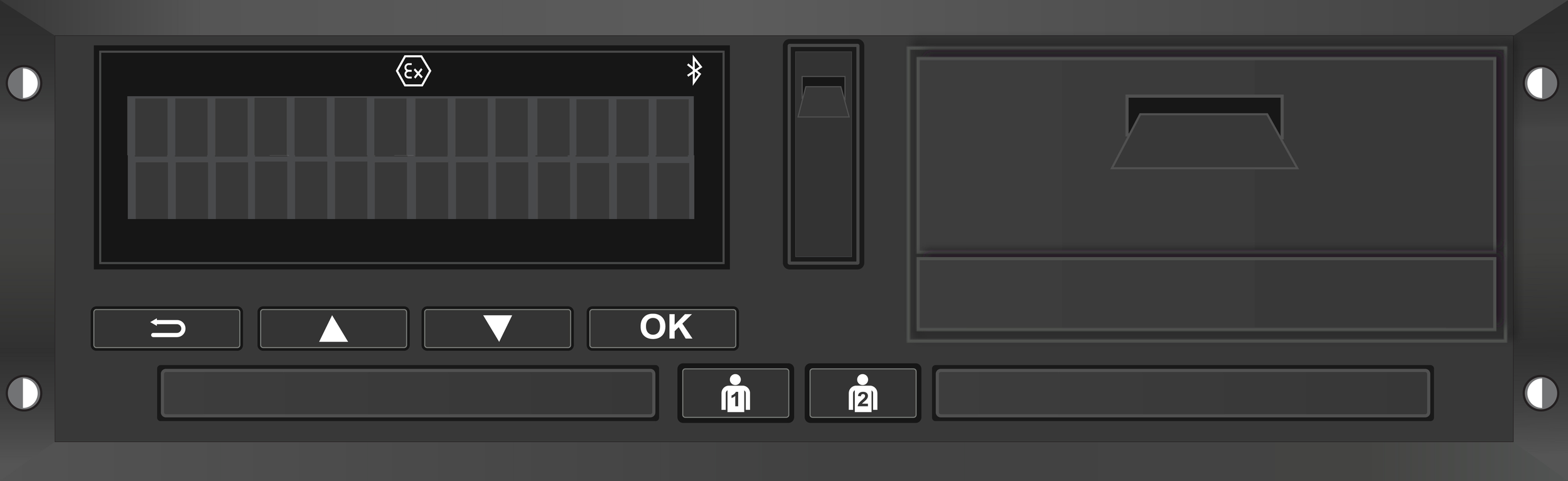
The VDO DTCO 4.1b is one of the most used digital tachographs in Europe. It is operated with the combi key and the menu. The simulator lets you practise every step safely.
What you practise
Combi key & activities
Switch driving, work, availability and rest with buttons 1 and 2.
Menu & printouts
Navigate the VDO menu and produce a 24-hour printout.
Manual entry
Add activities from before insertion and enter the country.
FAQ about the VDO DTCO
How do you operate the VDO DTCO 4.1b?
With the combi key (1 driver, 2 co-driver) you switch activities; open the menu with OK and scroll with the arrows.
Difference from the Stoneridge SE5000?
Both are Smart Tacho 2, but the menu, buttons and activity order differ. The simulator includes both.
Can I practise manual entry?
Yes, the simulator runs the full start/entry flow when you insert the driver card.
Is this the official VDO software?
No, it is an independent learning tool, not endorsed by Continental/Aumovio.
Practise the VDO DTCO 4.1b
Open the simulator and learn to operate the VDO tachograph flawlessly, in your language.
Try the VDO demo